
Immersive Training
Train on the machine before the machine is available. frontline.io turns complex equipment into a persistent digital training space where teams can explore, practice, and collaborate around a live Digital Twin. No physical machine required. No classroom. No travel.
50%
Saving on training operation costs
Any device
Screen, AR, Mixed Reality, VR
5×
Faster content creation vs any other XR solution
Zero
Travel required to deliver training
How it works
Your Digital Twin is all you need
Step 01
Create the room
Set up a dedicated training space with a name, description, access level and availability window. Choose whether the room is public or private.
Step 02
Choose the environment
Select the virtual setting that best fits your training programme, from a factory floor to a customer-branded space, the environment is your classroom.
Step 03
Add the Digital Twin
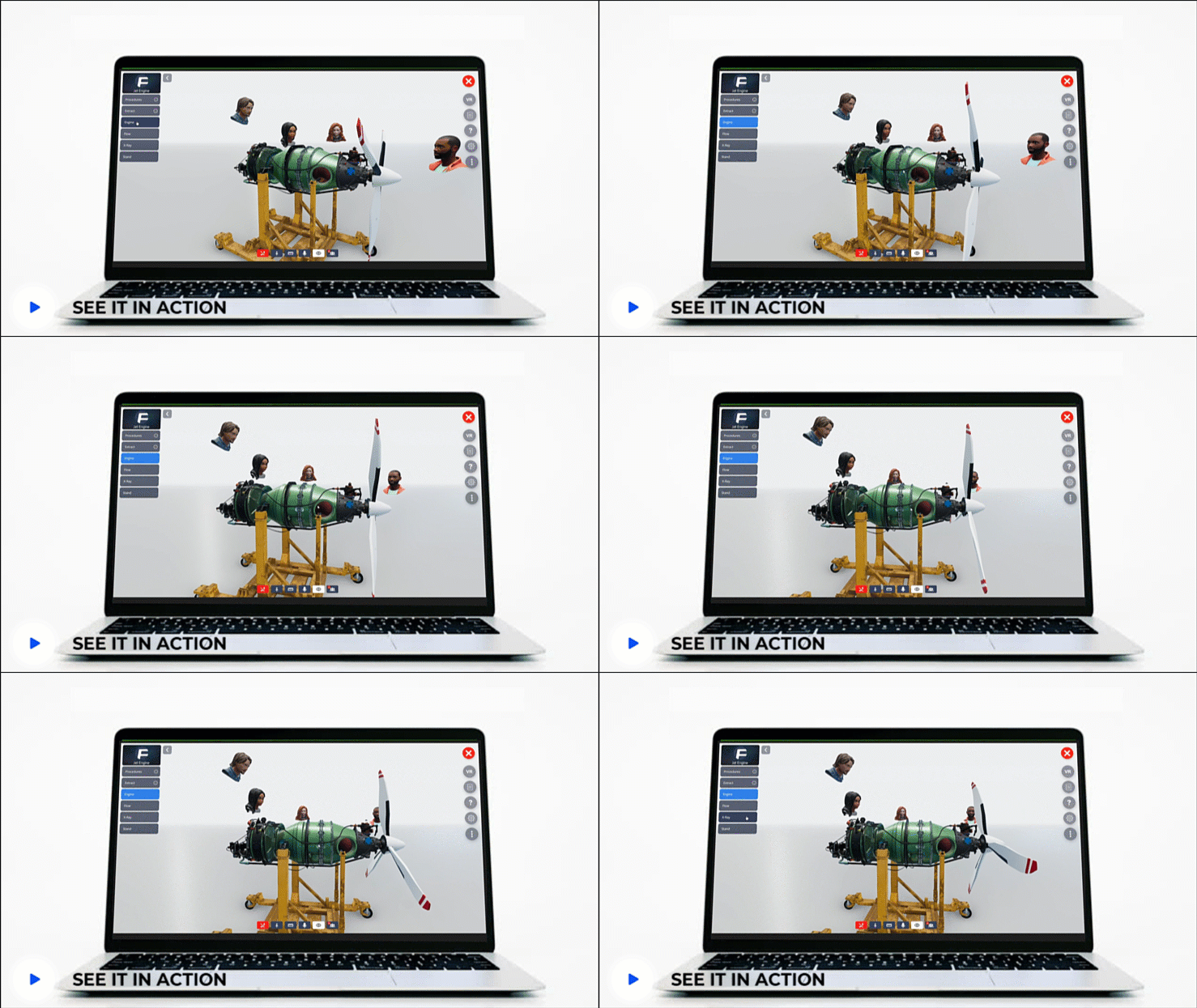
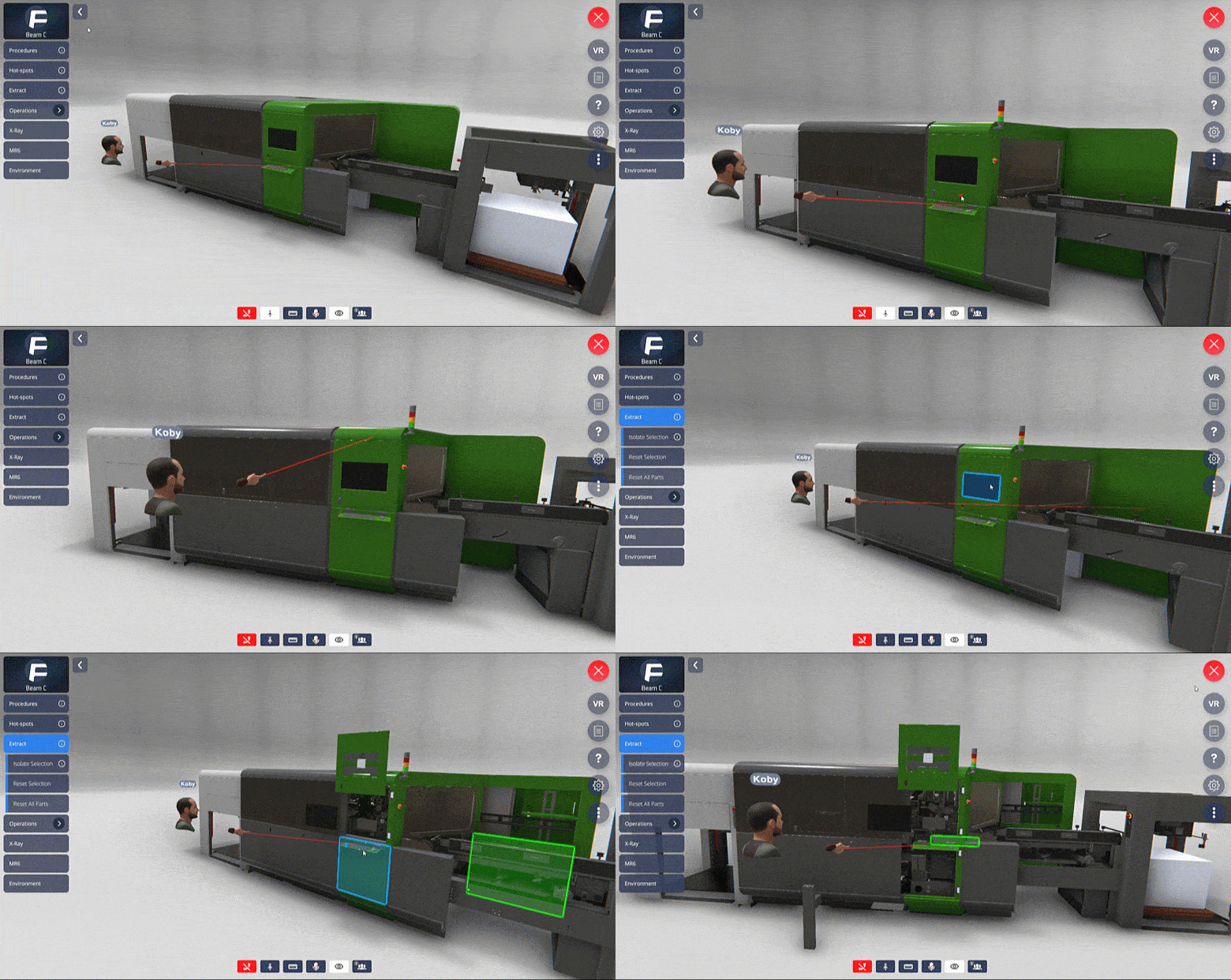
Select which Digital Twin you want inside the room. Learners can explore parts, use X-ray functionality, and interact with the model before working on the physical machine
Step 04
Invite and manage users
Share the room by direct link. Control admission for guests, registered users, or open access. Define what each participant can do including: media actions, pointer tools, and microphone access.
Built for industrial training
The Immersive Room gives teams a realistic, persistent training environment around the actual equipment they work on. Every capability below is sourced from the frontline.io helpdesk.
Digital Twin training space
Train teams around an interactive Digital Twin of the real equipment. Learners can explore parts, use X-ray to reveal internal components, and interact with the model before touching the physical machine.
Public or private rooms
Keep training spaces internal to your workspace, or open them to external participants like customers, partners, or distributors, when needed.
Persistent Immersive Rooms
Whatever you do in the room gets saved. Teams can return, review, and continue learning without rebuilding the experience. The room stays open for as long as you need it
Media-rich learning
Add PDFs, videos, pictures, arrows, pointers, and notes directly inside the room to support deeper product understanding. The room becomes an educational hub for your team.
Precision measurement
Use the built-in measure tool to create a dynamic ruler for precise measurements inside the room. Operates on a 1:1 scale when the Digital Twin matches real-life dimensions.
Link-based sharing
Invite users with a direct room link. Bring teams, partners, or customers into the same training space without complex setup.
Controlled admission
Decide who enters the room and when. Admission settings cover no approval required, guest-only approval, or approval for all users.
Participant permissions
Control what users can do inside the room: add or edit media, use the pointer tool, and microphone access per participant.
Branded environments
Select the virtual setting that best fits your training programme such as factory floor, office, or a customer-branded space. The environment is configurable per room.
Your machine. Inside the room
A live 3D replica of your equipment. Built for training, knowledge transfer, and collaborative learning. Available to your team from anywhere, on any device.
Interactive Digital Twin
The Digital Twin inside the Immersive Room behaves like the real machine. Teams can manipulate the model, select and move components, explore assemblies, and interact with parts using familiar selection tools.
Role-based access
Each user sees exactly the parts and functionality relevant to their role. Nothing more. Admission settings and permissions are configured per room.
Real-time room insights
See who is in the room, how long it has been open, the room’s current status, and the total number of users present. Full visibility without leaving the session.
Real-time monitoring
Clients can monitor the progress of their employees in real time, ensuring the effectiveness of the training and making adjustments as necessary

Cross-platform. Cross-reality,
frontline.io Immersive Training runs on any device your teams already use, in any reality mode. The same room and the same Digital Twin work across smartphones, tablets, PC, Microsoft HoloLens 2, HMS SiNGRAY G2 and VR Headsets. No rebuilding for each device.
AI built into every training session
Immersive Training connects to frontline.io's AI Suite. Trainers build content faster. Trainees get the right guidance at the right moment. Your knowledge base stays accurate and accessible across every session.
Doc to Flow
Turn existing manuals and SOPs into training-ready Interactive Flows automatically. Upload a PDF, Word document, or plain text file and Doc to Flow generates a structured, step-by-step guided procedure in minutes. Your team reviews and refines. They do not rebuild.
Knowledge Hub
Control the knowledge your AI uses inside every training session. Upload and manage the documents, manuals, and data that power AI answers across your workspace. The right knowledge reaches the right teams — by site, division, or role.
AI Insight
Help your technicians find the right procedure, follow step-by-step guidance, and improve workflows in real time. AI Insight is grounded in your workspace knowledge base so guidance is always accurate and context-aware.
Frequently asked questions
Train every team before they touch the machine
Create a persistent Immersive Room around your actual equipment and make hands-on training available across sites, teams, and devices in Augmented Reality, Mixed Reality, Virtual Reality, or on screen.