
Parts Catalog
Most parts catalogs are static lists disconnected from the machine.
frontline.io Parts Catalog connects every part to the Digital Twin it belongs to, so teams can search, identify and understand components in context before moving into service, training or support.
-
Find it visually
-
Understand it in context
-
Act with confidence


Spare parts ready
Define, filter and find replacements
200K+
Parts supported per Digital Twin
30+
CAD formats supported
Zero
Coding required to build or edit
How it works
Your Digital Twin is all you need
Step 01
Generate the catalog
Start from your Digital Twin. Part names, IDs, assemblies and service details become a searchable visual catalog.
Step 02
Enrich the information
Update part information directly or in CSV, define spare parts, and group or hide parts and assemblies so users see only what matters for the job.
Step 03
Search, identify and act
Find the right component with search, filters, spare parts view and multi-part search, then connect it to the next step in service, training or support.
Engineered for industrial reality
Complex equipment has thousands of parts. Finding the right one should take seconds, not minutes.
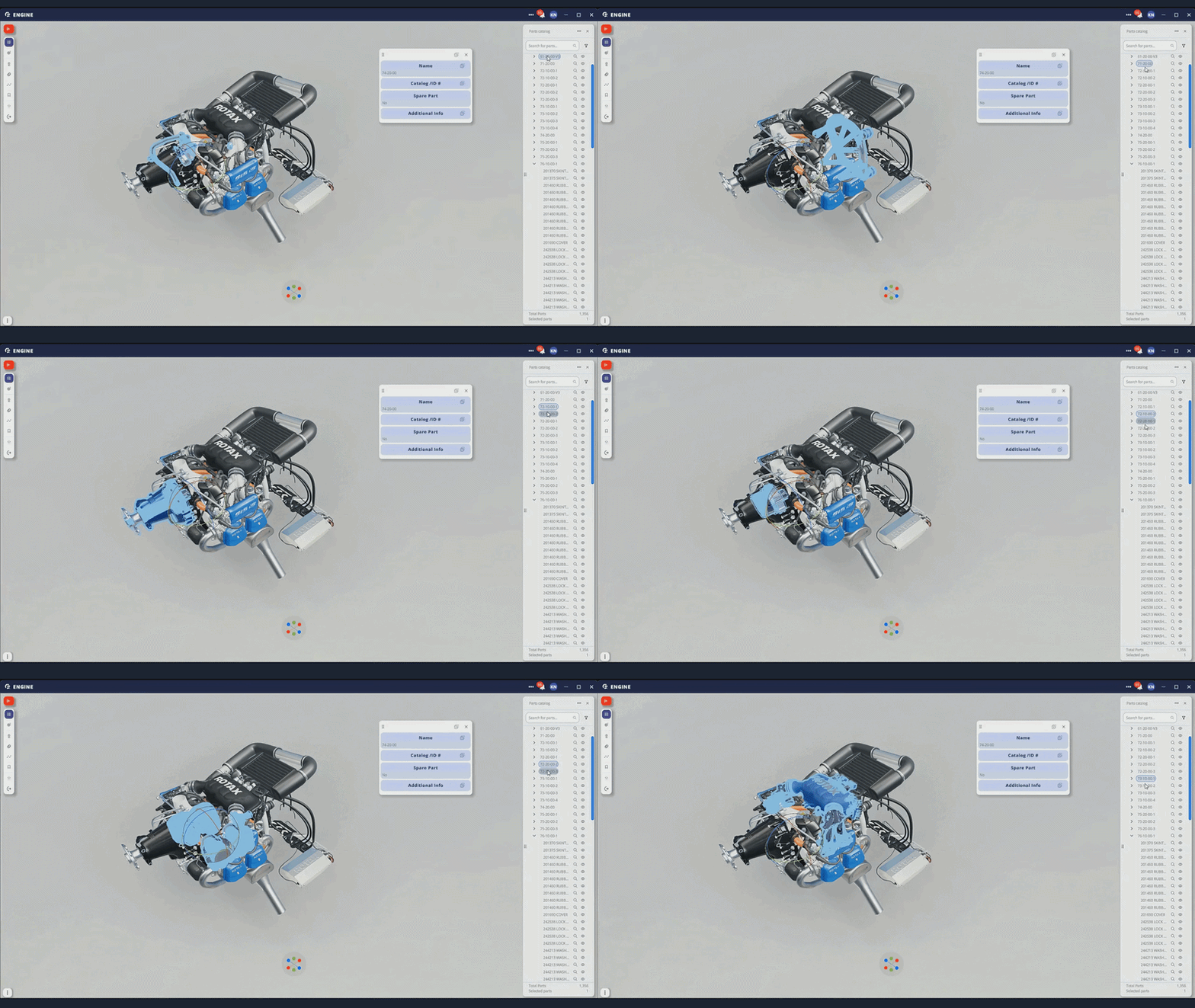
Interactive 3D parts catalog
Explore parts visually through the Digital Twin. Click a component in the 3D model and get its full part information instantly.
Search and filter
Find components quickly by part name, ID or other metadata. Use multi-part search to search for several parts in one action.
Editable parts metadata
Update part names, IDs, descriptions, spare part status and service details directly inside the catalog.
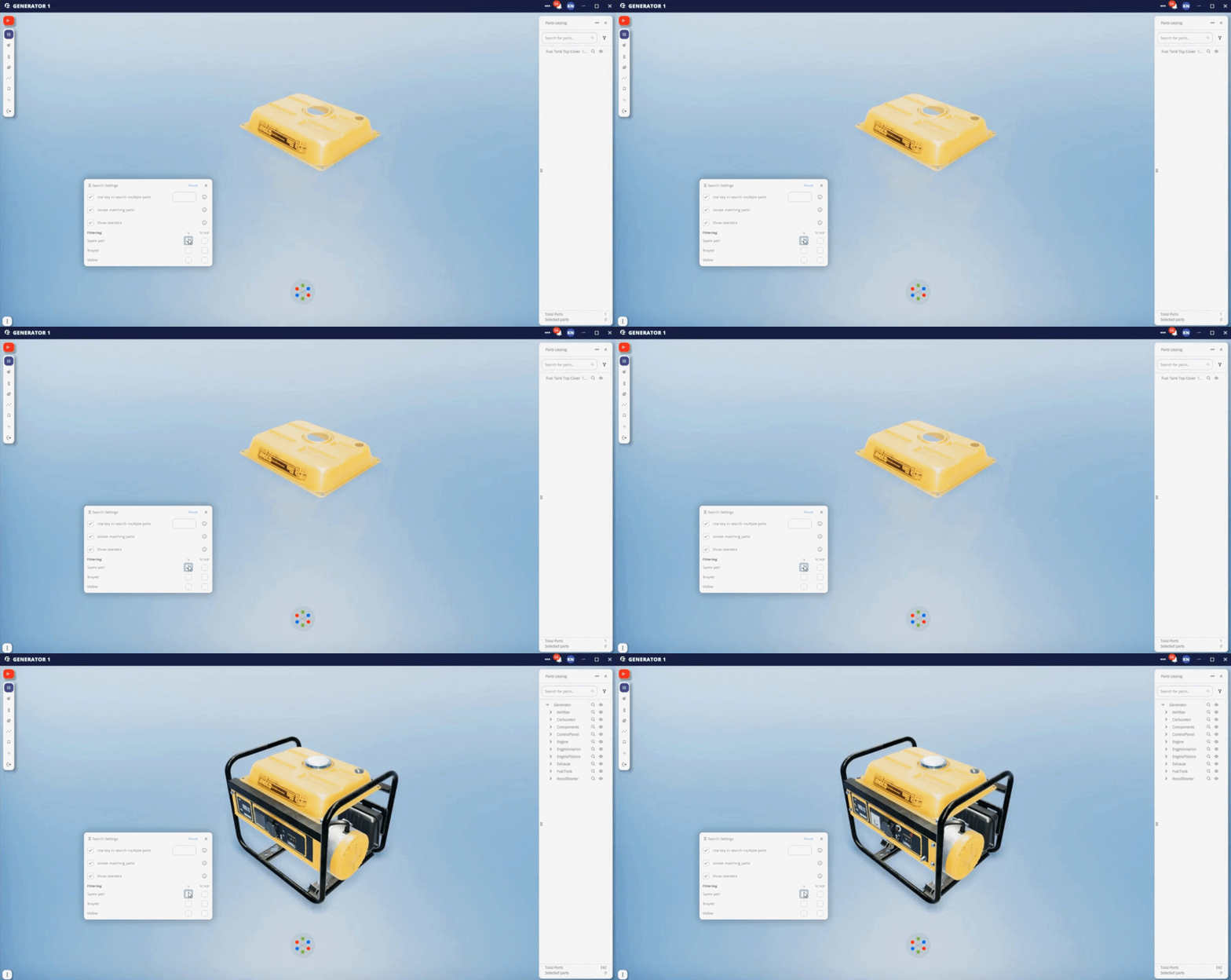
Spare parts only view
Filter to show only replacement components. Know what is available before the technician is dispatched.
CSV editing
Edit catalog data in CSV format to update part information efficiently and keep metadata aligned across teams.
Group and hide parts
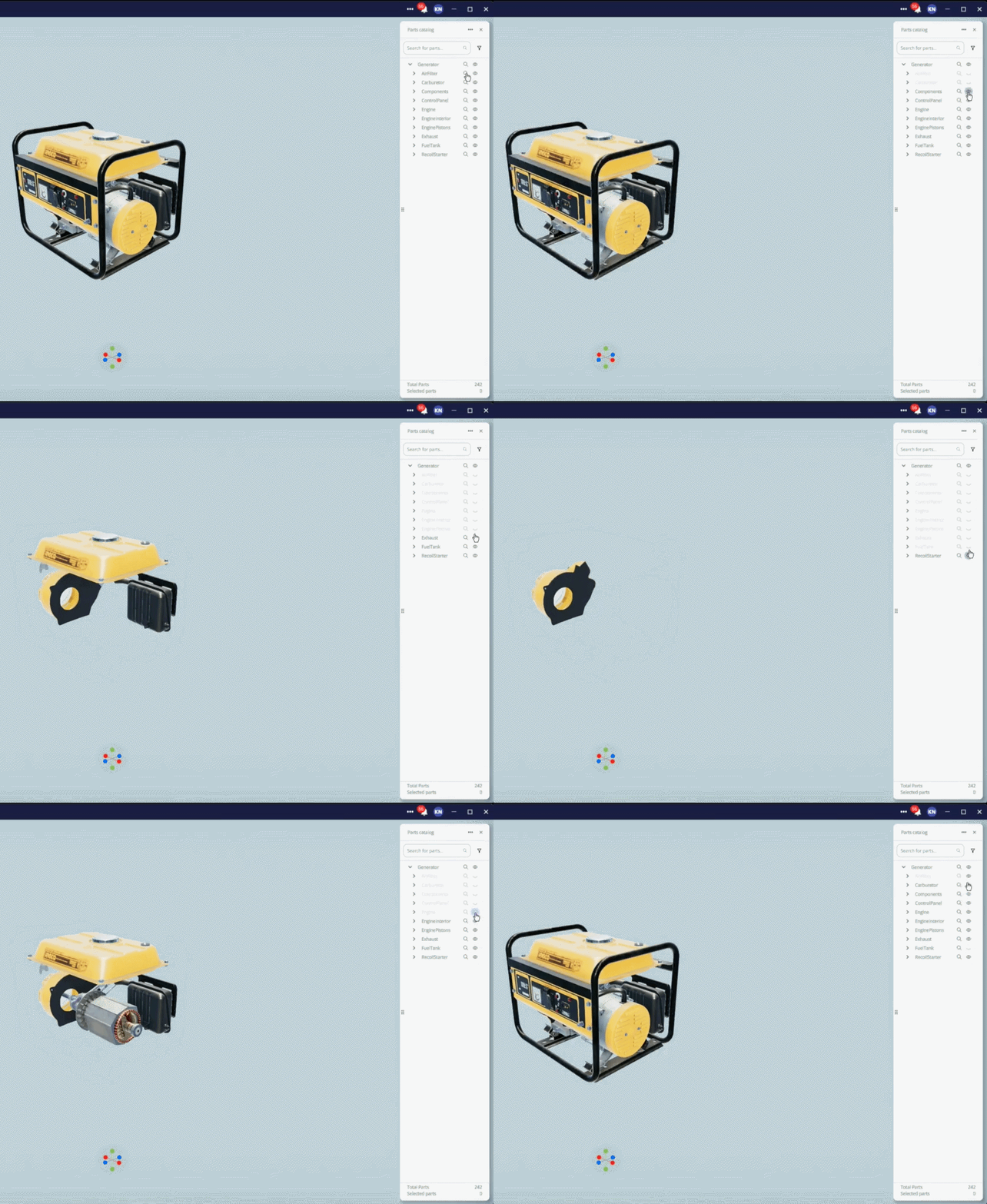
Group or hide parts and assemblies to simplify the model view and focus users on the components relevant to the task.
Integrated with Explode View and Bookmarks
Use the Parts Catalog together with Explode View and Bookmarks to move from full-machine context to specific components, assemblies or saved views.
Every part in context
Give every team a shared visual reference for parts, assemblies and service workflows.
Connected to the Digital Twin
Every part links to the machine structure, so users can see where it sits and how it relates to the full assembly.
Shared source of parts knowledge
Service teams, training teams and support teams work from the same Digital Twin-based catalog.
Built for real equipment complexity
Support large assemblies, detailed metadata and service-ready part information in one visual environment.

From Parts Catalog to execution
The same Digital Twin that powers the catalog also connects part information to the workflows teams use across service, training and support.
Interactive Flows
Use part information inside guided service and maintenance procedures.
Remote Assist
Give experts and technicians a shared visual part reference during live support.
Immersive Training
Help learners identify components and understand assemblies before they work on the real machine.
Analytics
Understand how teams interact with equipment content and where part-related knowledge gaps appear.
Real results. Real machines. Real industries
Trusted by industrial leaders worldwide
“Compared to other CAD programs, frontline.io is much easier to use and allows me to support our engineers in the field. The 3D parts catalog is undoubtedly one of its best features.”
German Lushkov, Tier 3 Technical Support Manager, Arkena
200K+
Parts supported per Digital Twin
5×
Faster content creation vs any other XR solution — HP xRServices
Frequently asked questions
Make every part easier to find, understand and service
Turn complex equipment into an interactive Parts Catalog connected to your Digital Twin, Interactive Flows, training and Remote Assist.
Give every team the part context they need before, during and after the job.